How to turn a podcast into short clips without losing the point
A practical workflow for choosing self-contained podcast moments, tightening cuts, reviewing captions and preparing a vertical edit in Revline.
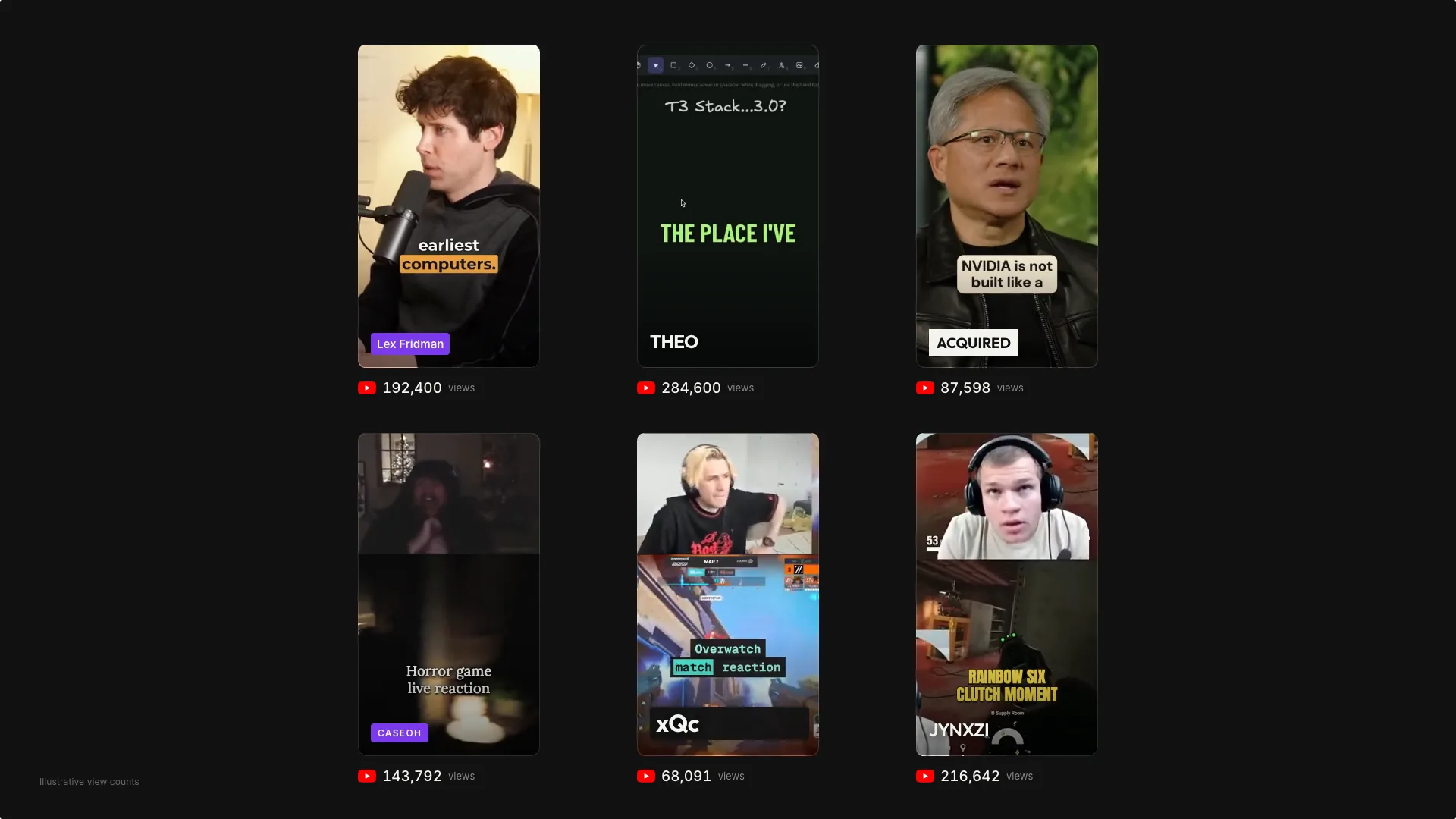
Choose a complete thought before choosing a duration
A useful podcast clip answers a question, explains an idea or tells a small story that someone can understand without hearing the previous ten minutes. Start by identifying that thought. A dramatic sentence can make an opening, but it can also misrepresent the speaker if its explanation disappears.
Listen to the sentence before and after each candidate. Check who pronouns refer to, whether a claim has an important qualification and whether the clip reaches a conclusion. Keep context when removing it would change the meaning. There is no reason to force every idea into the same length.
Give the editor a specific selection brief
Bring your recording into Revline and describe the audience and subject. A request such as “Find three self-contained clips about the first year of running a business” gives the editor a clearer target than “Make this viral.” Include any speakers, topics or sections you want to leave out.
Revline can use saved transcript evidence to identify candidates and place accepted clips in separate timeline tabs. Treat that selection as a draft. Review the actual source around each boundary before deciding which clips to publish. AI selection does not establish that a claim is correct or that a moment will perform well.
Tighten the cut while preserving the delivery
Remove abandoned starts and accidental repetitions when they make the idea harder to follow. Keep pauses that give an answer room to land. Cutting every silence can make a thoughtful explanation sound rushed and can leave unnatural changes in breath or expression.
Play the edit with sound rather than judging only the transcript. Check the first and last words for clipped consonants. If a visual cut is distracting, adjust the boundary or use a different source section before adding decoration.
Check the vertical version as a finished video
When making a vertical version, inspect where the speaker sits in the frame. Ask for reframing or a split layout when the recording needs it, then check that the requested crop keeps faces and important objects visible. A podcast layout does not always need two speakers on screen at once.
Review captions for names, numbers and punctuation. Watch the exported file on a phone to check text size, sound and the final frame. Publish only recordings and assets you have permission to use. Save the editable timeline so the next version starts from your reviewed cut.
Prepared with AI assistance from Revline’s editing workflows.