One video, seven clips: the AI clipping workflow
Turn a podcast, interview or long video into a focused batch of Shorts and Reels. Find stronger openings, edit each clip and build a repeatable clipping workflow in Revline.
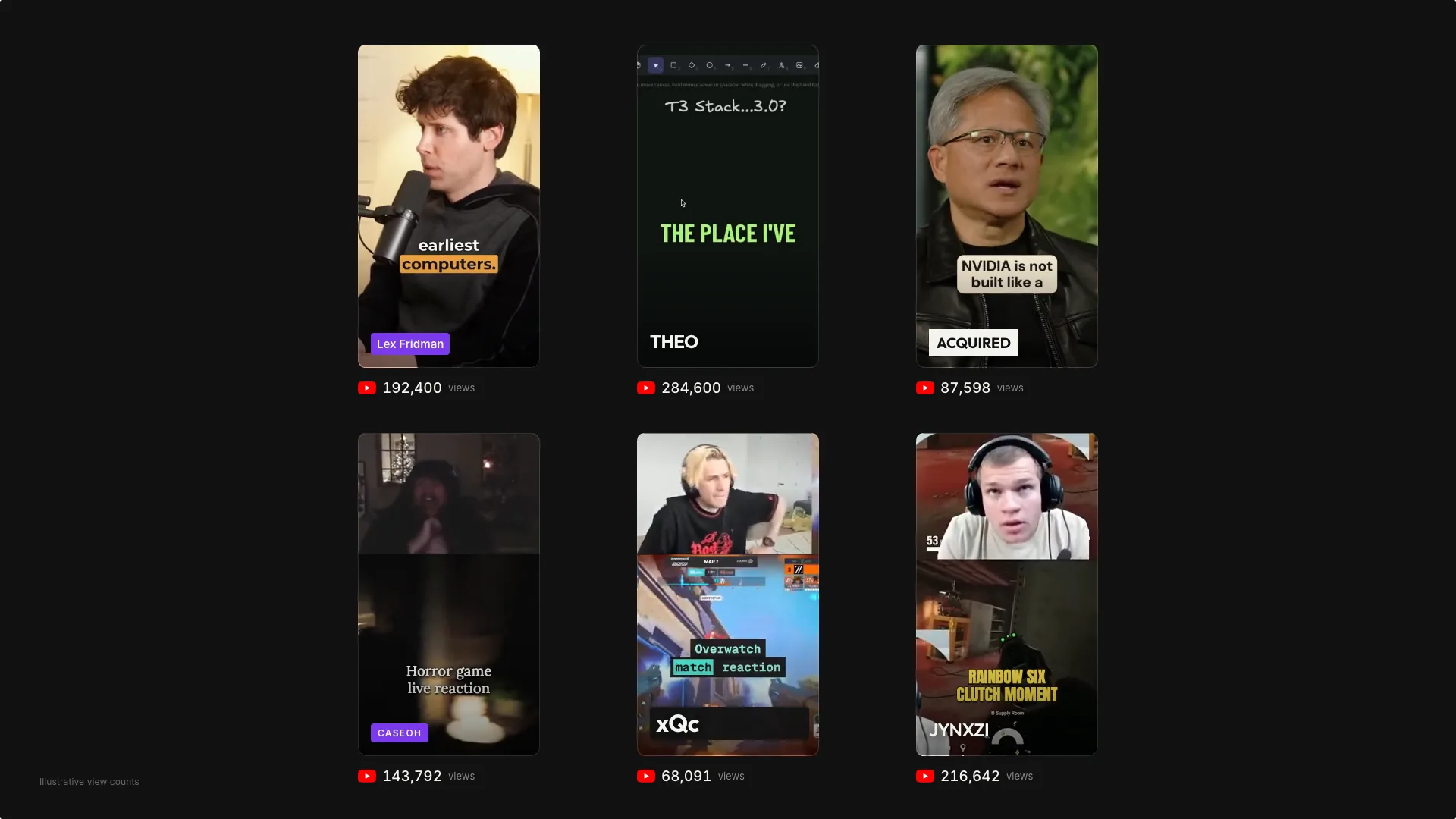
The next clip might already be in your last recording
A long interview can contain a useful answer, a surprising disagreement, a short story and a practical demonstration. Each gives someone a different reason to watch. Clipping turns those moments into individual edits, so a recording can do more than sit behind one thumbnail.
Seven clips is a planning target, not a quota. If the source only supports three strong edits, publish three. The goal is a small collection of videos that each deliver something, with enough variety to avoid repeating the same point all week.
Build a shortlist around seven different promises
Before opening the editor, name the audience and what they should get from the recording. For a founder interview, your shortlist could include one expensive mistake, a useful tactic, a surprising number with its explanation, a disagreement, an origin story, a clear demonstration and an answer to a common question. Skip any angle the source does not actually support.
In Revline, upload your footage or import a supported public video link. Try: “Find up to seven self-contained clips for first-time founders. Give each a different takeaway, keep the speaker’s meaning and put each accepted clip in its own timeline.” Review the proposed moments before treating them as finished edits.
Write the hook from what the speaker actually says
The opening should let a new viewer understand why this moment matters. A concrete line such as “We hired before we had repeat customers” gives the audience a situation immediately. Start close to that line when the surrounding context still makes sense, rather than keeping a long introduction just because it came first in the recording.
Avoid inventing a stronger claim for the on-screen title. If the speaker describes one experience, do not package it as a rule that applies to everyone. Watch the sentences around your chosen opening and ending, and keep the explanation that makes a surprising statement accurate.
Edit a complete thought, then make it vertical
Give each clip an opening, enough context and a payoff. Remove false starts and repeated setup, but keep breaths and pauses that make the delivery feel natural. Stop when the idea has landed. A clip does not need a dramatic cut halfway through its answer to encourage another view.
Check the crop throughout the video, especially when speakers move or a demonstration enters the frame. A centered face at the first frame does not establish that the whole edit is framed well. Use a split layout when both speakers matter, and return to one speaker when the extra panel only makes the subject smaller.
Give the batch one caption style and seven careful reviews
Choose a consistent font, text size and accent color so the collection looks like it belongs to the same creator. In Revline, describe the caption treatment in the editing conversation. Keep text clear of faces and the space used by platform controls, then inspect the result at phone size.
Consistency does not replace review. Listen for names, numbers and qualifications in every clip. Check caption changes against the actual speech and make sure the last word has time to finish. Watch each exported file with sound and once without sound before uploading it to Shorts, Reels or TikTok.
Use the next recording to improve the next batch
After publishing, compare the clips in the platform’s own analytics. Look at where viewers leave, which subjects invite useful comments and whether a clip brings people toward the longer recording. Compare similar videos and give them comparable time to find an audience; one early view count is a weak basis for redesigning the whole workflow.
Carry one specific lesson into your next brief. Ask for clearer openings, fewer overlapping ideas or more examples, depending on what you observed. Keep the reviewed Revline timelines for later adjustments. AI can help you find and assemble candidates; good selection and a final human review still decide what deserves to be published.
Prepared with AI assistance from Revline’s editing workflows.